The Variables block updates workflow variables during execution. Variables must first be initialized in your workflow's Variables modal, then you can use this block to update their values as your workflow runs.
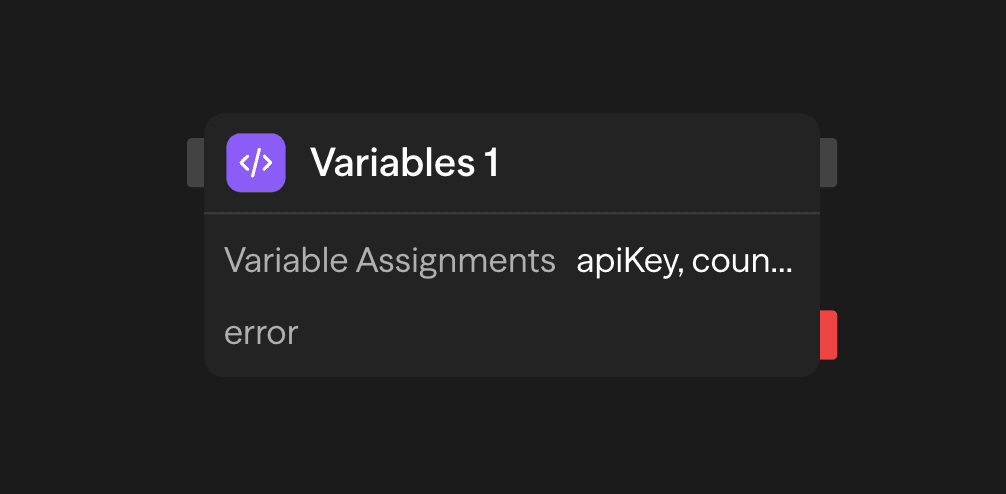
Access variables in supported input fields using <variable.variableName> syntax.
How to Use Variables
1. Initialize in Workflow Variables
First, create your variables in the workflow's Variables modal. Open the panel's More options menu (the ⋯ button at the top of the panel). Choose Variables. Give each variable a name, a type, and an initial value:
customerEmail = ""
retryCount = 0
currentStatus = "pending"
The Variables block only updates variables that already exist. It skips an assignment to a name that has not been created and writes a warning to the logs.
2. Update with Variables Block
Use the Variables block to update these values during execution:
customerEmail = <api.email>
retryCount = <function.result>
currentStatus = "processing"
Each assignment substitutes the references you write, then converts the text to the variable's type. It does not evaluate expressions. A value of <variable.retryCount> + 1 becomes the text 0 + 1, which is not a valid number. The block then fails with Invalid number value for variable "retryCount". To compute a new value, do the math in a Function block and assign its result:
// Function block inside the workflow
return <variable.retryCount> + 1;

// Variables block
retryCount = <function.result>
3. Access Anywhere
Reference variables in any block:
Agent prompt: "Send email to <variable.customerEmail>"
Condition: <variable.retryCount> < 5
API body: {"status": "<variable.currentStatus>"}
For a Judgment or Laya Decision block, put dynamic references in State. Its instructions and criteria must stay literal; reference tags in those fields fail validation.
Example Use Cases
Loop Counter and State - Track progress through iterations
Loop → Agent (Process) → Function (itemsProcessed + 1) → Variables (itemsProcessed = function.result, lastResult)Retry Logic - Track API retry attempts
API (Try) → Function (retryCount + 1) → Variables (retryCount = function.result) → Condition (retryCount < 3)Dynamic Configuration - Store user context for workflow
API (Fetch Profile) → Variables (userId, userTier) → Agent (Personalize)Value Types and Limits
Every variable has a type, chosen when you create it. When a Variables block runs, it converts each assigned value to that type before storing it:
| Type | Conversion | Empty value becomes |
|---|---|---|
| Plain (text) | Kept as text | "" |
| Number | Parsed as a number. Text that is not a number fails the block | 0 |
| Boolean | true or false (case-insensitive). Anything else fails the block | false |
| Object | Parsed as JSON. Must be a JSON object or array | {} |
| Array | Parsed as JSON. Must be a JSON object or array | [] |
The block inserts referenced outputs as text first (objects and arrays as JSON) and then converts them. So <function.result> returning 1 is stored as the number 1 in a Number variable. Likewise, {"a":1} is stored as an object in an Object variable.
All variables in a run together may use at most 64 KiB when serialized as JSON. An assignment that would push the total over the limit fails the block with a message such as Workflow variables use 70,000 bytes; maximum is 65,536 bytes. No variable from that block is updated. Values must also be JSON-safe: no cyclic structures and no infinite or NaN numbers.
Outputs
The Variables block is not meant to be wired like other blocks. Variables are accessed globally via <variable.variableName> syntax from any block in the workflow. The block does expose each assignment as an output, <blockname.variableName>, holding the value it just assigned. Still, <variable.variableName> is the reference to use.
Best Practices
- Initialize in the Variables modal: Always create variables in the workflow Variables modal before using them
- Update dynamically: Use Variables blocks to update values based on block outputs. Compute derived values in a Function block first
- Use in loops: Perfect for tracking state across iterations
- Name descriptively: Use clear names like
currentIndex,totalProcessed, orlastError