The Wait block pauses your workflow for a specified amount of time before continuing to the next block. Use it to add delays between actions, respect API rate limits, or space out operations.
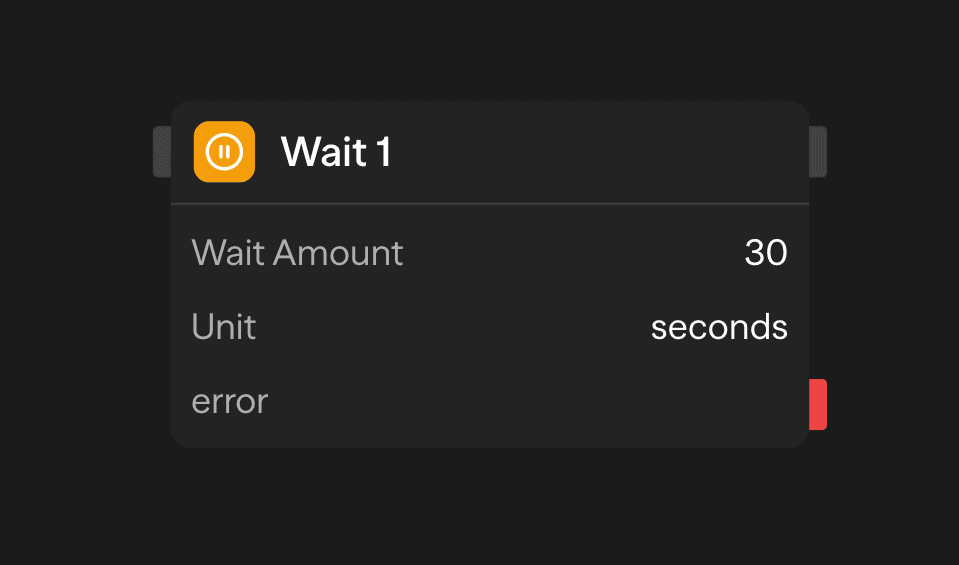
Configuration
Wait Amount
Enter the duration to pause execution:
- Input: Positive number (default 10, decimals are truncated)
- Maximum: 600 seconds or 10 minutes
A value of zero, a negative number, or text fails the block with Wait amount must be a positive number. A value above the maximum is not shortened. The block fails with Wait time exceeds maximum of 600 seconds (or 10 minutes when the unit is minutes).
Unit
Choose the time unit:
- Seconds: For short, precise delays
- Minutes: For longer pauses
Wait blocks can be cancelled by stopping the workflow. The maximum wait time is 10 minutes.
Durable Waits on the Worker
When a workflow runs on the Temporal Worker, the Wait block uses a durable timer. A worker restart during the wait does not lose the run. The same 10-minute maximum and the same outputs apply.
A configured workflow timeout keeps counting during the wait. If its deadline arrives first, the run times out and downstream blocks do not start. The Wait block's 10-minute maximum does not grant extra time beyond the workflow deadline.
Parallel Window Restrictions
A Wait block cannot run inside a Parallel Window, including inside a child workflow called from the window. A child containing an enabled Wait block is rejected before that child's business operations start, even if the Wait is on a conditional path. Place the Wait before or after the window when the delay should apply to the whole group. Maximum active items limits concurrent items; it does not set a requests-per-second rate.
Outputs
<wait.waitDuration>: The wait duration in milliseconds<wait.status>:completedwhen the full duration elapsed, orcancelledwhen the workflow was stopped during the wait
Example Use Cases
API Rate Limiting - Stay within API rate limits between requests
API (Request 1) → Wait (2s) → API (Request 2)Timed Notifications - Send follow-up messages after a delay
Function (Send Email) → Wait (5min) → Function (Follow-up)Processing Delays - Wait for external system to complete processing
API (Trigger Job) → Wait (30s) → API (Check Status)Best Practices
- Keep waits reasonable: Use Wait for delays up to 10 minutes. For longer delays, consider scheduled workflows
- Monitor execution time: Remember that waits extend total workflow duration