The RSS Feed block monitors RSS and Atom feeds – when new items are published, your workflow triggers automatically.
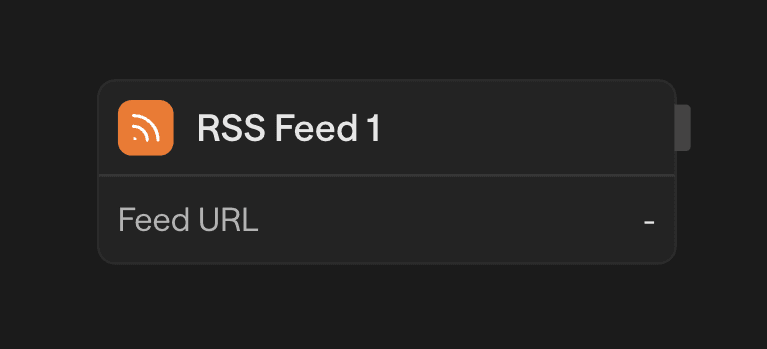
Configuration
- Add RSS Feed Block - Drag the RSS Feed block to start your workflow
- Enter Feed URL - Paste the URL of any RSS or Atom feed
- Deploy - Deploy your workflow to activate polling
Once deployed, the feed is checked every minute for new items.
Output Fields
| Field | Type | Description |
|---|---|---|
title | string | Item title |
link | string | Item link |
pubDate | string | Publication date |
item | object | Raw item with all fields |
feed | object | Raw feed metadata |
Access mapped fields directly (<rss.title>) or use the raw objects for any field (<rss.item.author>, <rss.feed.language>).
Use Cases
- Content monitoring - Track blogs, news sites, or competitor updates
- Podcast automation - Trigger workflows when new episodes drop
- Release tracking - Monitor GitHub releases, changelogs, or product updates
- Social aggregation - Collect content from platforms that expose RSS feeds
The first poll has no record of the feed's existing items, so it treats them as new. It processes up to 25 of them, oldest first. Later polls work through any remaining backlog 25 items at a time, then move on to new items only.
Common Questions
The feed is polled every minute. On each poll, the service fetches the feed, compares items against the last checked timestamp and a list of previously seen GUIDs, and, after the first poll, triggers your workflow only for genuinely new items.
The service tracks up to 1,000 recent item GUIDs and the last checked timestamp. An item is considered new only if its GUID has not been seen before and its publication date is after the last checked timestamp. Additionally, an idempotency layer prevents duplicate workflow executions for the same item.
Yes. Each polling cycle processes a maximum of 25 new items, sorted by publication date (oldest first). If more than 25 new items are waiting, the poller keeps its cursor on the last item it processed and picks up the rest on the following polls, so nothing is skipped.
Each triggered execution receives: title, link, and pubDate as top-level convenience fields, plus a full item object containing all fields (including guid, description, content, contentSnippet, author, categories, enclosure, and isoDate), a feed object with the feed's title, link, and description, and a timestamp of when the event was processed.
A failed fetch increments the webhook's consecutive failure counter. After 100 consecutive failures, the RSS trigger is automatically disabled. On any successful poll, the counter resets to zero.
Yes. The underlying parser (rss-parser) supports both RSS and Atom feed formats. You can use the URL of either format in the Feed URL field.